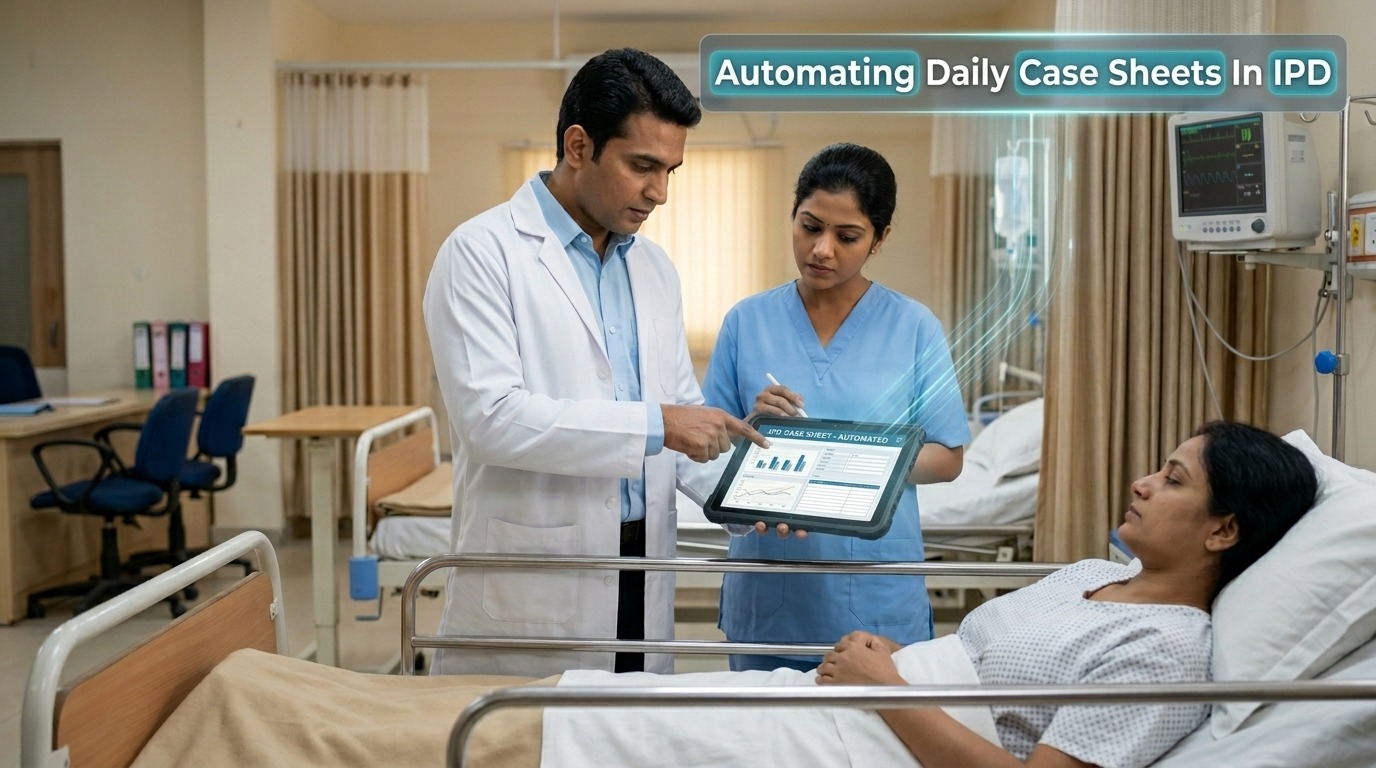
Inside an IPD setting, documentation never really pauses. Case sheets are updated multiple times a day, across shifts, departments, and clinical decisions. What looks like a simple record on paper often carries layers of repeated entries, status updates, and cross-verification. Over time, this turns into a continuous administrative load that quietly consumes clinical hours.
The challenge is not the importance of documentation. It is the repetition within it. This is where structured task automation begins to change how daily case sheets are managed, without disrupting clinical judgment.
Why Daily Case Sheets Become Operationally Heavy
Case sheets in IPD are designed to capture the patient’s journey in detail. However, the process of updating them often includes repetitive inputs that do not change the clinical value but increase workload.
A typical day involves:
- Re-entering patient identifiers across multiple formats
- Updating vitals at regular intervals
- Recording medication schedules repeatedly
- Maintaining progress notes across different shifts
- Coordinating entries between nursing staff and doctors
These are necessary tasks, but when handled manually, they create dependency on time and attention rather than system efficiency. The real issue is not documentation itself, but the lack of structured automation of routine tasks within it.
Where Automation Fits Without Disrupting Care
Automation in IPD documentation is not about removing human input. It is about identifying repeatable patterns and allowing systems to handle them.
When hospitals begin to automate the task of updating case sheets, the focus shifts from writing everything manually to validating what the system captures. This reduces duplication and allows clinicians to spend more time on observation and decision-making.
Instead of entering the same data multiple times, structured systems can:
- Pull patient demographics automatically into every section
- Sync vitals from monitoring devices directly into records
- Populate medication schedules based on prescriptions
- Carry forward previous notes where continuity is required
This approach does not change what is recorded. It changes how it is recorded.
How Automation Actually Works In Daily Case Sheets
The process of automating task workflows in IPD follows a structured pattern where repetitive inputs are identified and systematized.
Data Capture At Source
Information is captured once, either through devices, initial entry, or integrated systems.
Intelligent Field Population
Relevant data automatically fills into multiple sections of the case sheet without repeated manual entry.
Scheduled Updates
Vitals, medication timings, and routine observations update at defined intervals.
Cross-Department Synchronization
Entries made by one team are reflected across the system, reducing the need for re-entry.
Review And Validation
Clinicians review and confirm the information instead of recreating it.
This flow answers a practical question many hospitals face: how to automate tasks without affecting clinical accuracy. The answer lies in supporting workflows, not replacing them.
Benefits Of Automating Daily Case Sheets
When automation is applied thoughtfully, the impact becomes visible across both staff experience and patient care.
Some of the key benefits include:
- Reduced documentation time, allowing more focus on patients
- Improved accuracy, as repetitive entries are handled consistently
- Better continuity, with fewer gaps between shifts
- Lower staff fatigue, especially in high-volume IPD settings
- Faster access to updated records, supporting timely decisions
These improvements are not dramatic shifts. They are steady changes that reduce friction in everyday operations.
Case Studies: How Automation Changes Everyday Documentation
Case Study 1: Reducing Repetition In Nursing Updates
In a general ward, nursing staff were updating vitals and observations multiple times a day. Each entry required manual input across different sections of the case sheet, even when the information was already recorded elsewhere.
After introducing structured task automation, vitals from monitoring devices began syncing directly into the system. Nurses no longer needed to re-enter the same data repeatedly. Instead, they focused on verifying and adding context where necessary.
The shift reduced time spent on documentation without affecting the accuracy of records. Over time, updates became more consistent across shifts.
Case Study 2: Improving Continuity Across Doctor Shifts
Doctors working in rotating shifts often had to review and rewrite parts of the case sheet to maintain clarity. This led to duplication and slight variations in documentation style.
With the automation of routine tasks, previous entries were carried forward in a structured format. Doctors could add updates instead of rewriting existing information.
This created a more continuous narrative within the case sheet. It also reduced the time spent aligning records between shifts, especially in busy departments.
Case Study 3: Managing Medication Records More Efficiently
Medication tracking required frequent updates, especially for patients on multiple prescriptions. Manual recording increased the chances of missed or delayed entries.
By automating task flows for medication schedules, entries were generated based on prescriptions and updated automatically at defined intervals. Staff only needed to confirm administration rather than record everything from scratch.
This reduced the pressure on both nursing and support staff, while maintaining clarity in medication records.
Common Mistakes To Avoid
Automation works best when applied with clarity. Some common mistakes can limit its effectiveness:
- Trying to automate complex clinical decisions instead of routine tasks
- Implementing systems without aligning them with actual workflows
- Ignoring staff training and adaptation
- Overloading systems with unnecessary features
- Treating automation as a one-time setup instead of an evolving process
Avoiding these ensures that automation supports rather than complicates documentation.
FAQs
1. What is task automation in IPD documentation?
Task automation refers to using systems to handle repetitive documentation steps like data entry, updates, and record synchronization in daily case sheets.
2. How to automate tasks in daily case sheets effectively?
Understanding how to automate tasks starts with identifying repetitive entries such as vitals, patient details, and medication logs, and allowing systems to manage them automatically.
3. What does automation of routine tasks include in IPD?
Automation of routine tasks includes auto-filling patient data, syncing device inputs, scheduling updates, and reducing repeated manual entries.
4. Can hospitals automate the task without affecting accuracy?
Yes, when hospitals automate the task of repetitive documentation, accuracy often improves because systems reduce manual errors.
5. What is automating task workflows in healthcare?
Automating task workflows means structuring processes so that repetitive steps are handled by systems while clinicians focus on validation.
6. Does automation replace doctors or nurses?
No, automation supports clinical staff by reducing administrative burden, not replacing decision-making roles.
7. What are the benefits of automating daily case sheets?
Benefits include time savings, improved accuracy, better continuity, and reduced workload for staff.
8. Is automation difficult to implement in IPD?
Implementation depends on system design, but with proper planning, it can be integrated gradually without disrupting workflows.
9. Can automation reduce documentation errors?
Yes, structured systems reduce errors caused by repeated manual entries.
10. What is the future of IPD documentation?
The future involves deeper integration of task automation to create faster, more accurate, and less repetitive documentation systems.
Conclusion
Automating daily case sheets in IPD is not about changing what needs to be documented. It is about changing how it is done. By reducing repetition and supporting workflows, task automation allows clinical teams to focus more on care and less on routine documentation, creating a more efficient and balanced hospital environment.